
Export from Astro Gold on iPhone or iPad
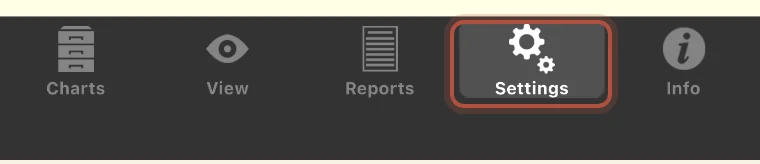
- Tap Settings, in the bar along the bottom.
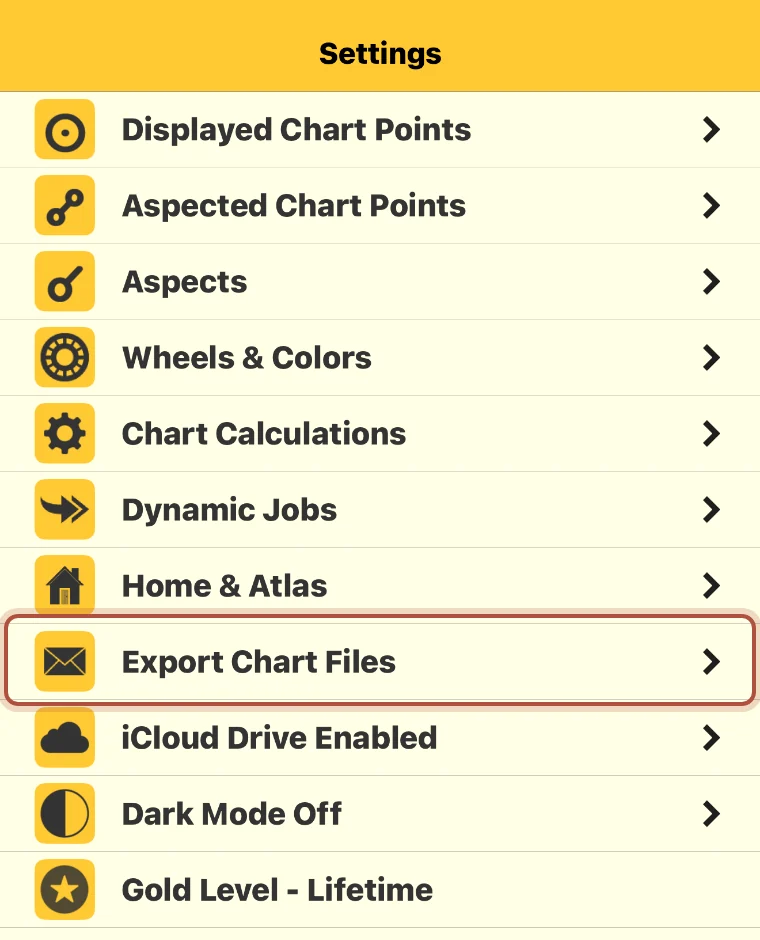
- Tap Export Chart Files.
- Tap the chart file you want so it is ticked, then tap Send.
- Email it to yourself. The attachment ends in .SFcht.
- Open the email on your computer, save the attachment, and import it into Arcus.
If that same settings list says iCloud Drive Enabled, there is nothing to email. Your chart files are already in the Astro Gold folder in iCloud Drive, so open that folder on your Mac and import the file from there.
Didn't answer it? Write to support@arcusastrology.com.