
Export from astro.com
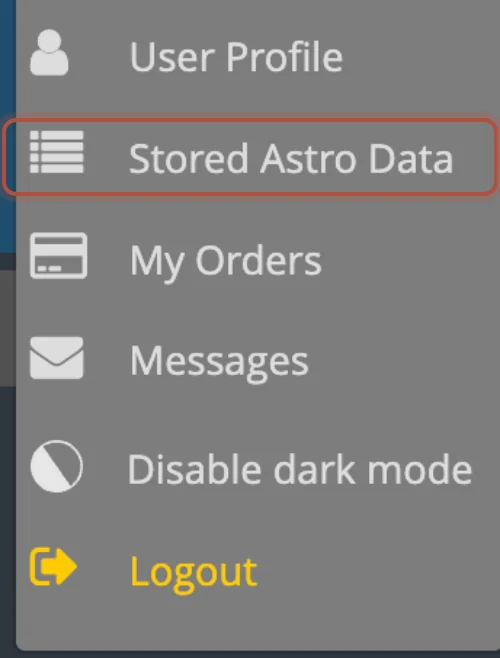
- Sign in, open the My Astro menu at the top right, and choose Stored Astro Data, where your saved charts are listed.
- Click the aaf button, at the end of the row of letters above the list.

- Copy everything in the box that appears. It starts with the line "#: Astrodienst AAF export", and each of your charts follows on its own lines.
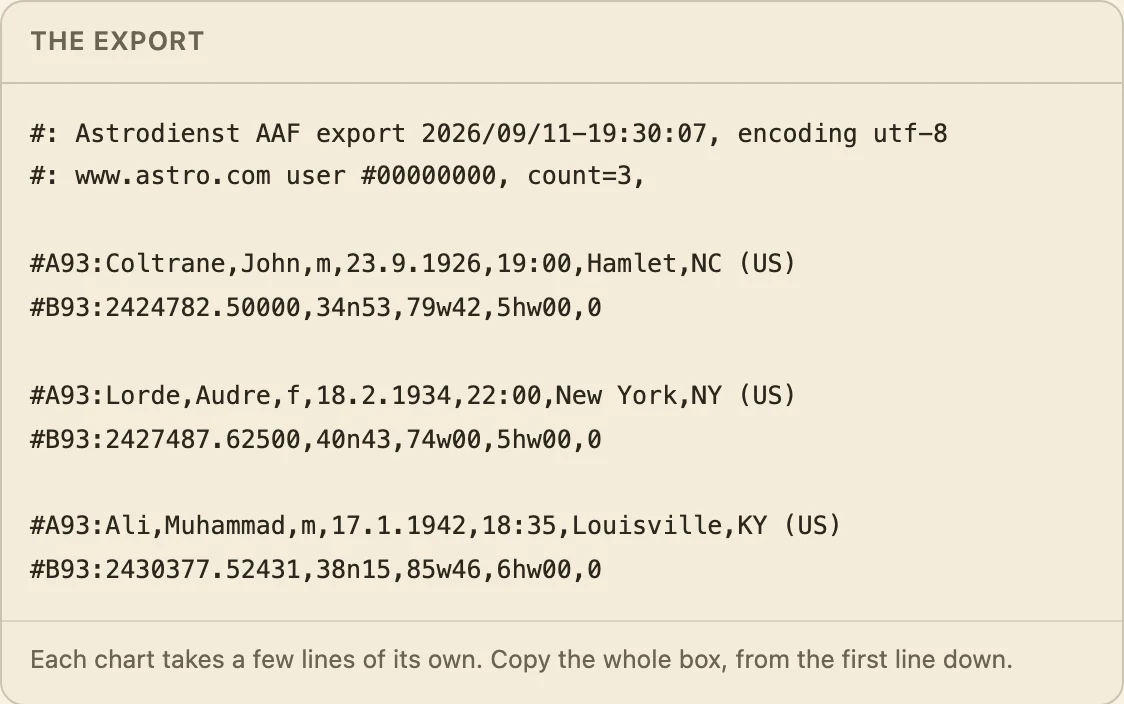
- In Arcus, click Paste chart text and paste it in. There is no file to save.
The aaf button only appears once you have more than ten charts saved. With ten or fewer, astro.com offers no export at all, and the quickest route is to enter those charts by hand.
Didn't answer it? Write to support@arcusastrology.com.