
In this section (4)
Ephemeris
Opening the ephemeris
The ephemeris is a table of positions over any range of dates, one column per body, for checking a position or a station without casting a chart. It works signed out.
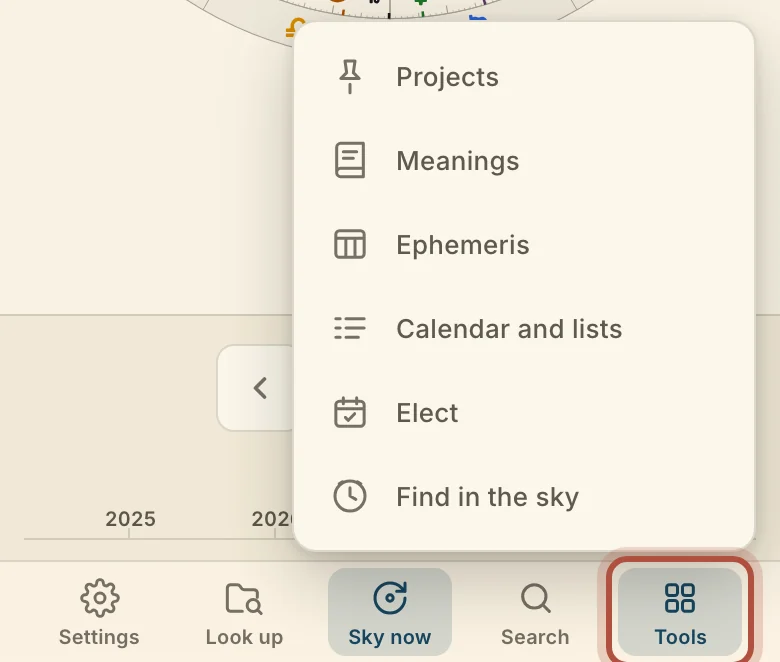
Click Ephemeris in the top bar.
Tap Tools in the bar along the bottom, then Ephemeris.
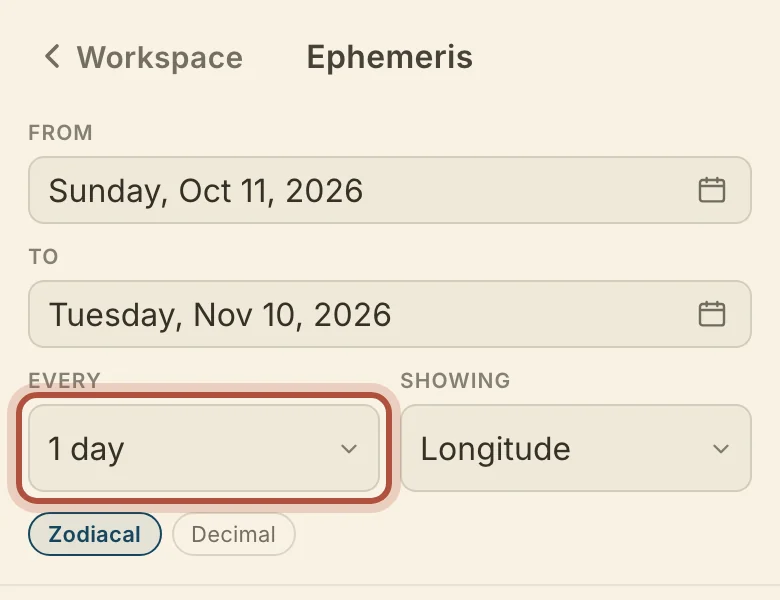
Set the range with From and To. The table opens on today and the 30 days after it, and dates before 15 October 1582 are Julian. Every sets the step between rows, from 1 minute to 10 years, and starts at 1 day. Rows fall at 0h UT.
Reading the ephemeris
Showing chooses what every column reads: Longitude, Latitude, Declination, Right ascension, Daily travel, Azimuth or Altitude. Zodiacal writes a degree in its sign. Decimal writes it as a plain number, for a spreadsheet. In a declination table, a body out of bounds is marked. Azimuth and altitude need a place, so a city field appears when you choose either one.
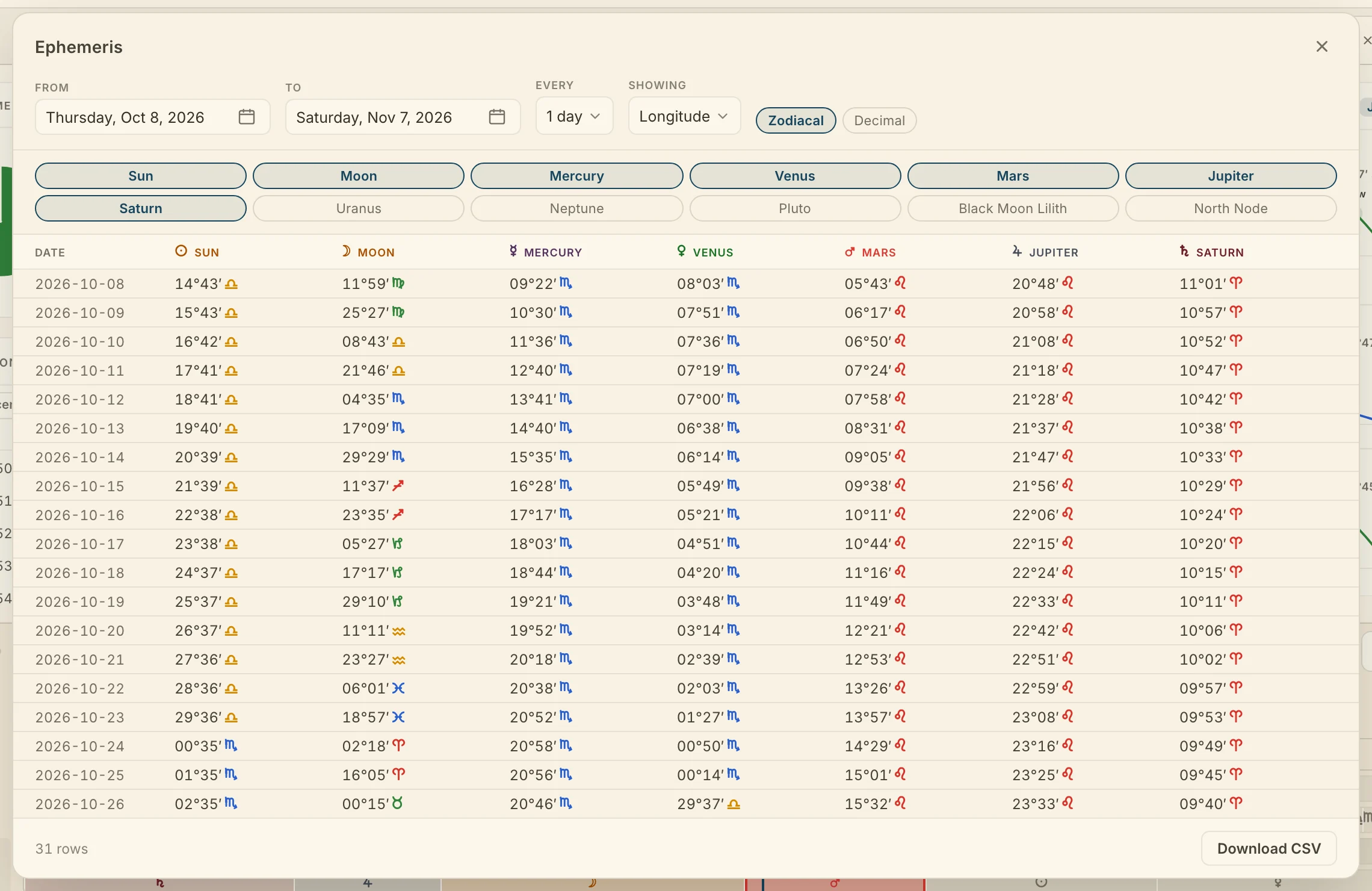
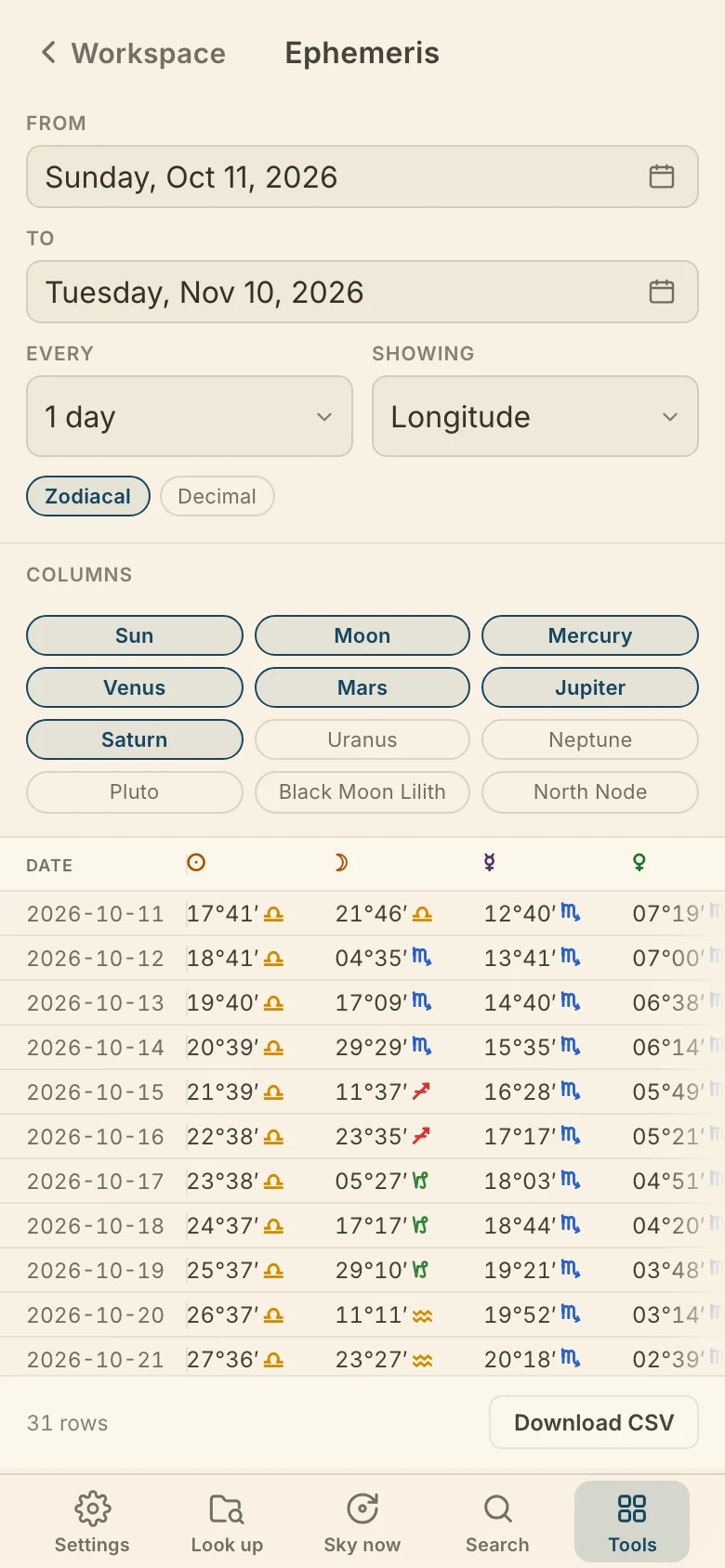
Columns sets which bodies are in the table. It starts with the seven traditional planets. Click a body to add or remove its column.
For a long range, or to work with the positions in a spreadsheet, Download CSV writes the whole range as a file, with the same Showing, notation and columns as the table.
Didn't answer it? Write to support@arcusastrology.com.